 Church Chat
People in a chat
Add people, invite new ones, and choose what each person can do.
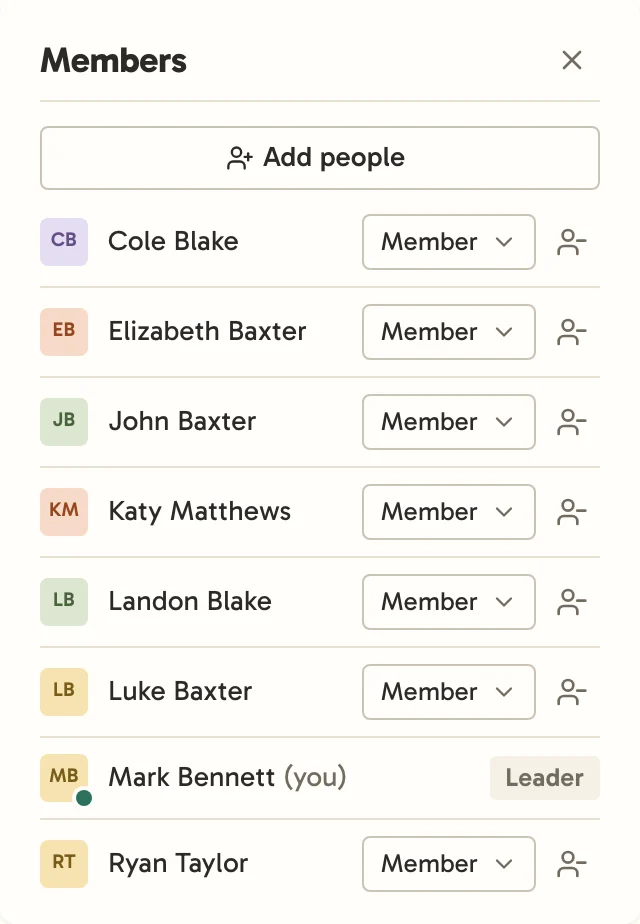
Select the people icon at the top of a chat to see who’s in it.
Roles
Each person in a chat is a Leader, Can post, or a Member. See Who can do what for what each can do.
Leaders change someone’s role with the menu beside their name, or Remove them. Whoever you add hears about it in Activity, and whoever you remove is told they’re no longer in the chat.
Adding people
Select Add people, choose what they can do, then find someone already at your church and select Add.
Inviting someone new
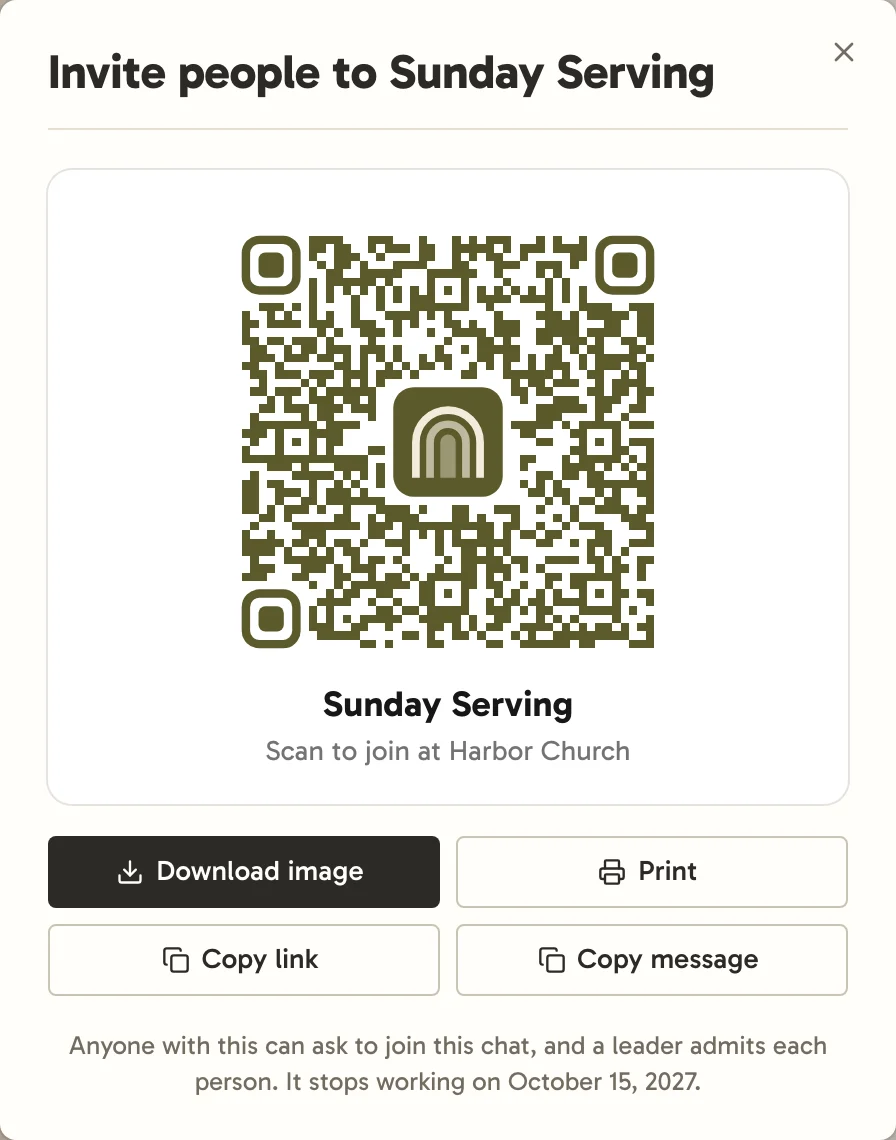
Under Someone new, choose Specific people and enter their email addresses, separated by commas, and Church Chat emails each one an invite that works once, for 14 days. Or choose Link or QR code, give it a name so you can tell it apart, and select Create link. Copy the link, send it with Email or Text from your own email or messages, or open its QR code to download or print. A link lasts a year, so its QR code is safe to print. A link that makes someone a leader has no QR code, since anyone who scans one would become a leader.
Everyone you invite at once gets the same settings: whether they join as a Standard member or a Guest, and for a guest, the date they’re taken out and the organization shown beside their name. They always join this chat. A church admin can add other chats too; otherwise Standard members also join your church’s default chats, and guests join only this one.
Whoever opens an invite signs in or creates an account, which needs only an emailed link, then selects Join. A church admin can make them Staff later.


In an invite-only chat, a link or QR code starts with A leader admits each person chosen, so people who use it ask to join rather than coming straight in. You and the chat’s other leaders get a notification straight away and an email within the hour, and they wait in Activity until everyone’s been let in or turned away. The chat says who’s waiting too, in a note at the bottom that only its leaders see. Select Review, then admit them from the member list, under Asking to join. Whoever asked hears which way it went.
Joining your church walks the person you invite through each way in.
Invites to make someone a leader work once.
Stopping an invite
Church admins see every open invite under People → Open invites, and can cancel any of them. Anyone who already joined stays. An invite also stops working when the person who made it can no longer invite people, like a leader who steps down.