 Church Chat
Chatting
Sending later
Write a message now and have it sent at a time you choose.
Select the clock beside Send and choose a time, or Pick a time… for any other. Only text can be sent later, so the clock is hidden once you’ve attached a file.
Everything waiting to go is under Activity → Scheduled in the sidebar.
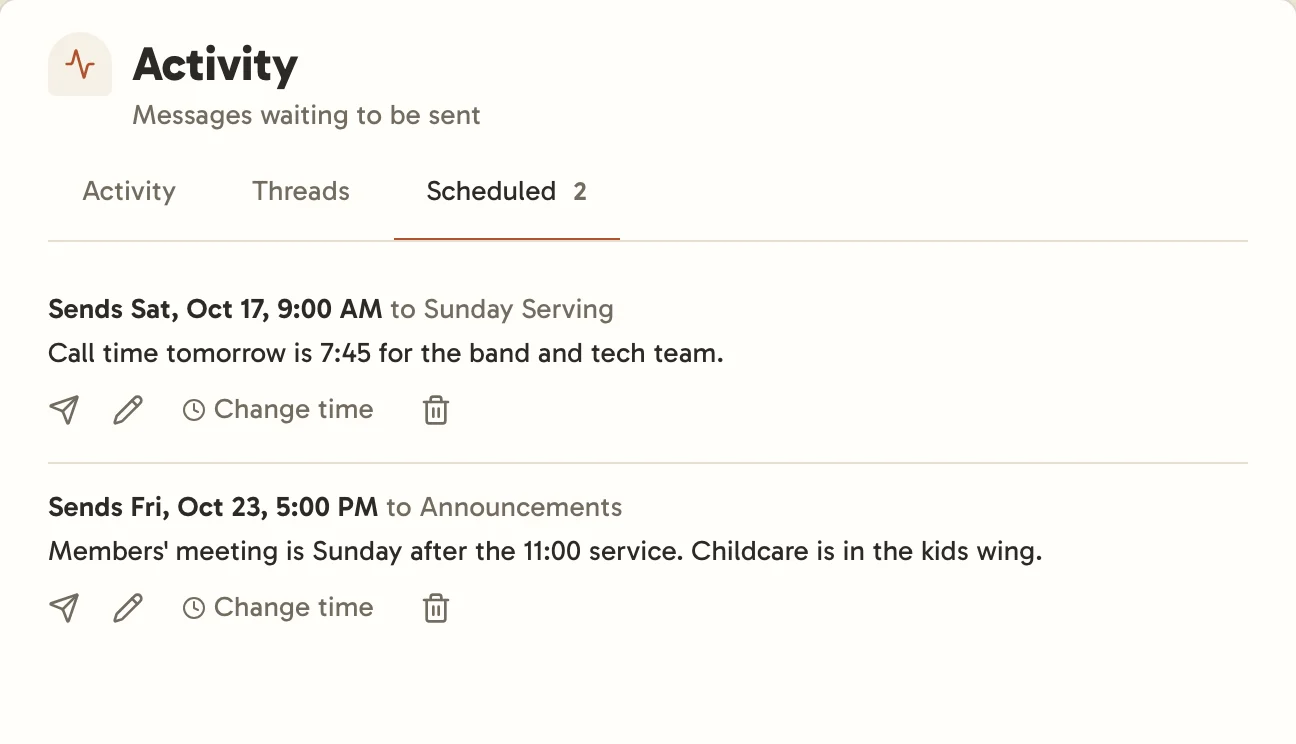
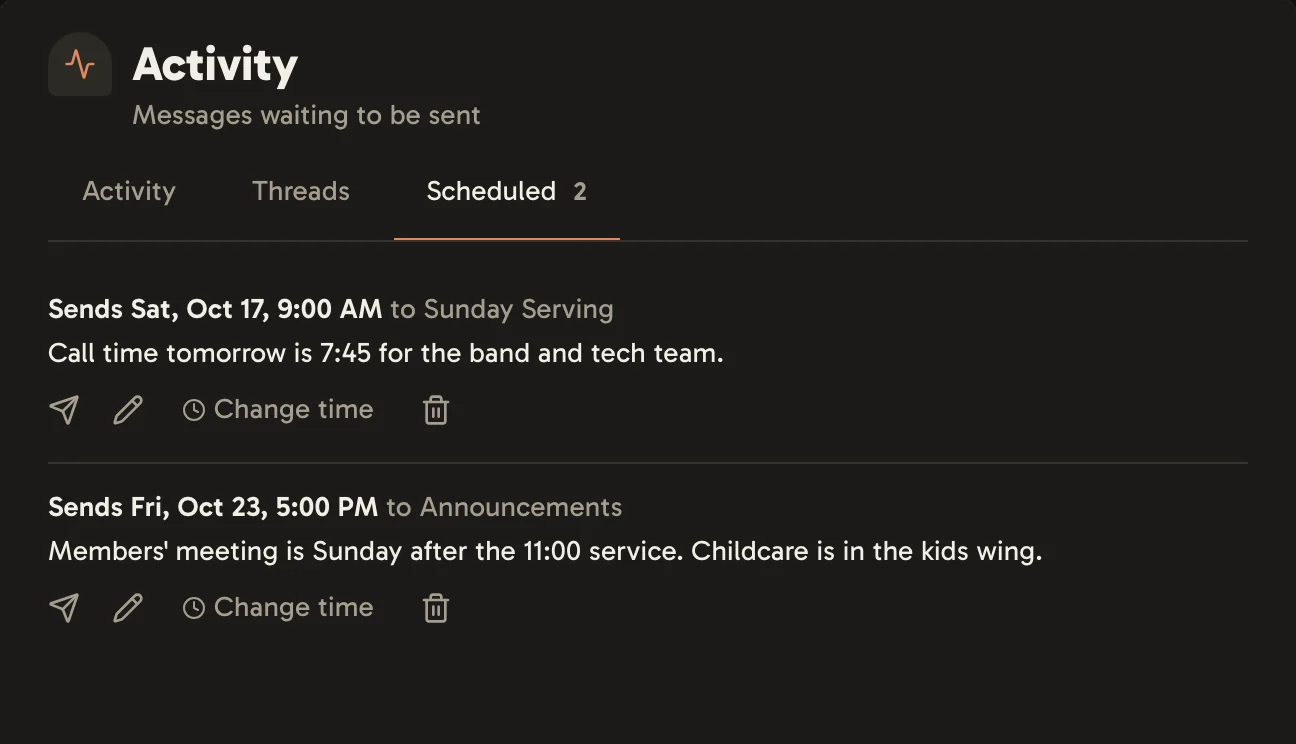
From there you can send a message now, edit it, change its time, or delete it.
A message is sent as you, with whatever you’re allowed to do at that time. If you’ve left the chat or can no longer post there, it isn’t sent, and Scheduled in Activity says why. Select Try another time to fix it.