 Church Chat
Chatting
Threads
Keep a side conversation together without filling up the chat.
Select Reply in thread on a message to answer it in a panel beside the chat. The message then shows how many replies it has. Select that to open the thread.
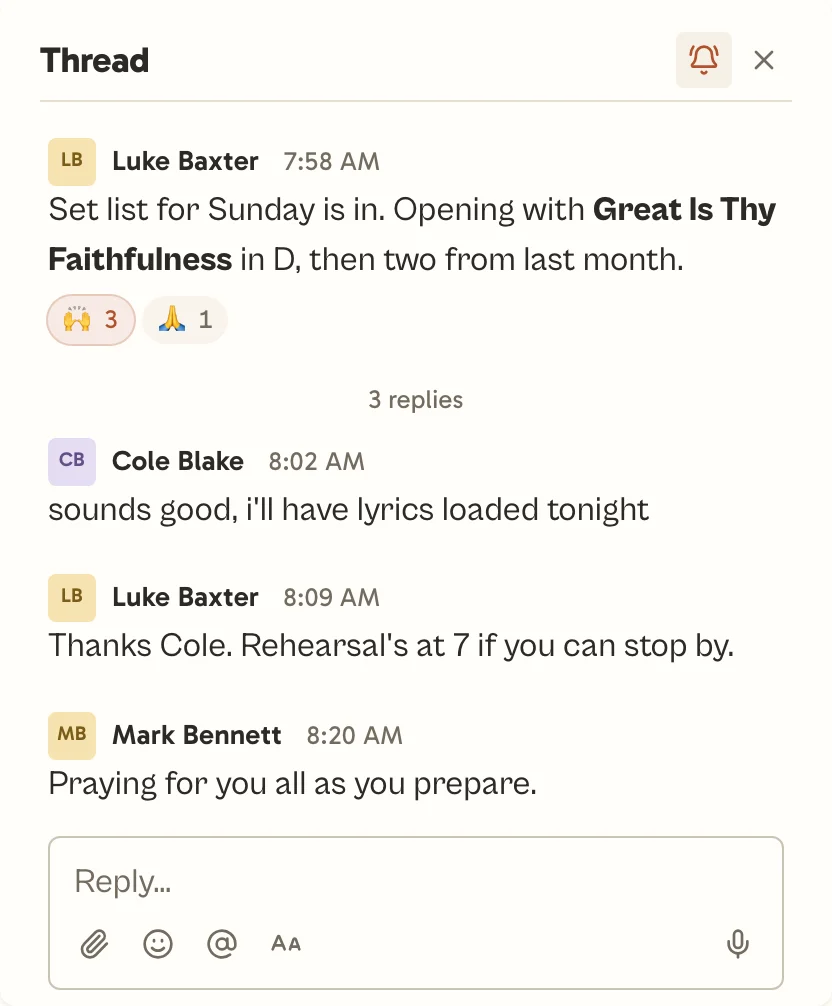
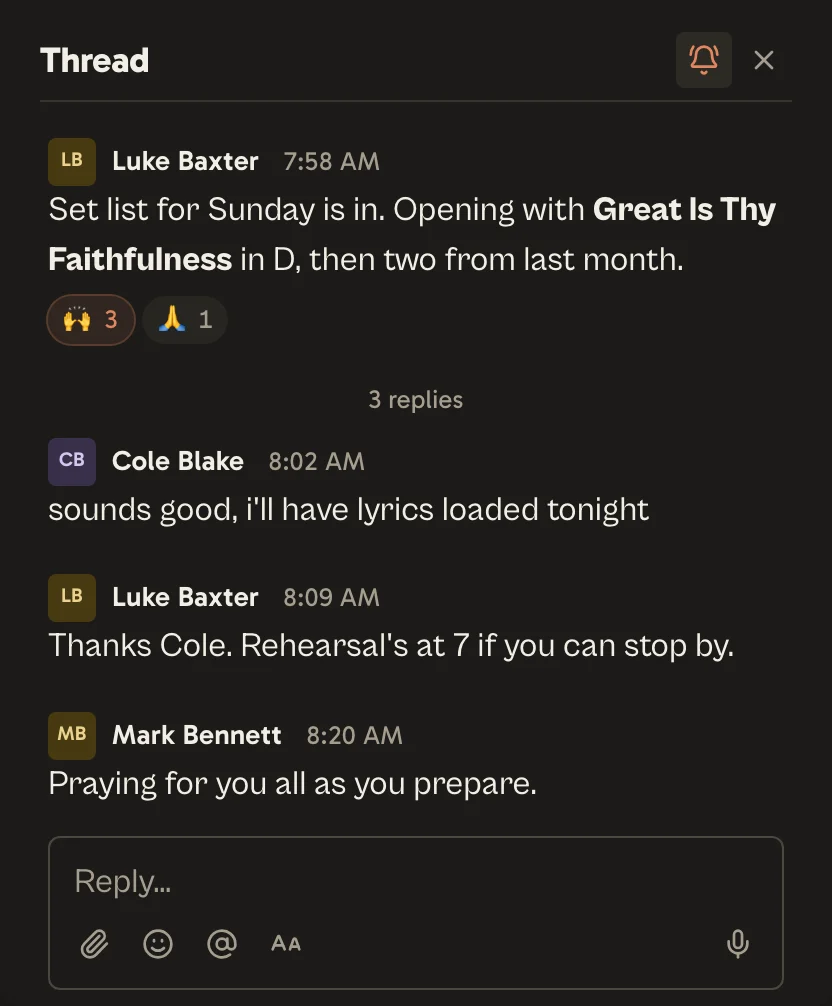
You follow a thread once you start it, reply in it, or are mentioned in it, and you’re told about new replies. Select Following at the top of the thread to stop, or Follow to start. Replying again follows it again. Copy link, beside it, gives a link that opens the thread.
Every thread you follow is on the Threads tab of Activity.
In a chat where only some people can post, leaders choose whether everyone else can still reply in threads.