 Church Chat
Activity and search
Catch up on what’s meant for you, and find anything you’ve seen before.
Activity
Activity gathers mentions of you, your keywords, replies in threads you follow, and reactions to your messages, wherever they happened. It also tells you when someone adds you to a chat, and, in chats you lead, who’s waiting to join.
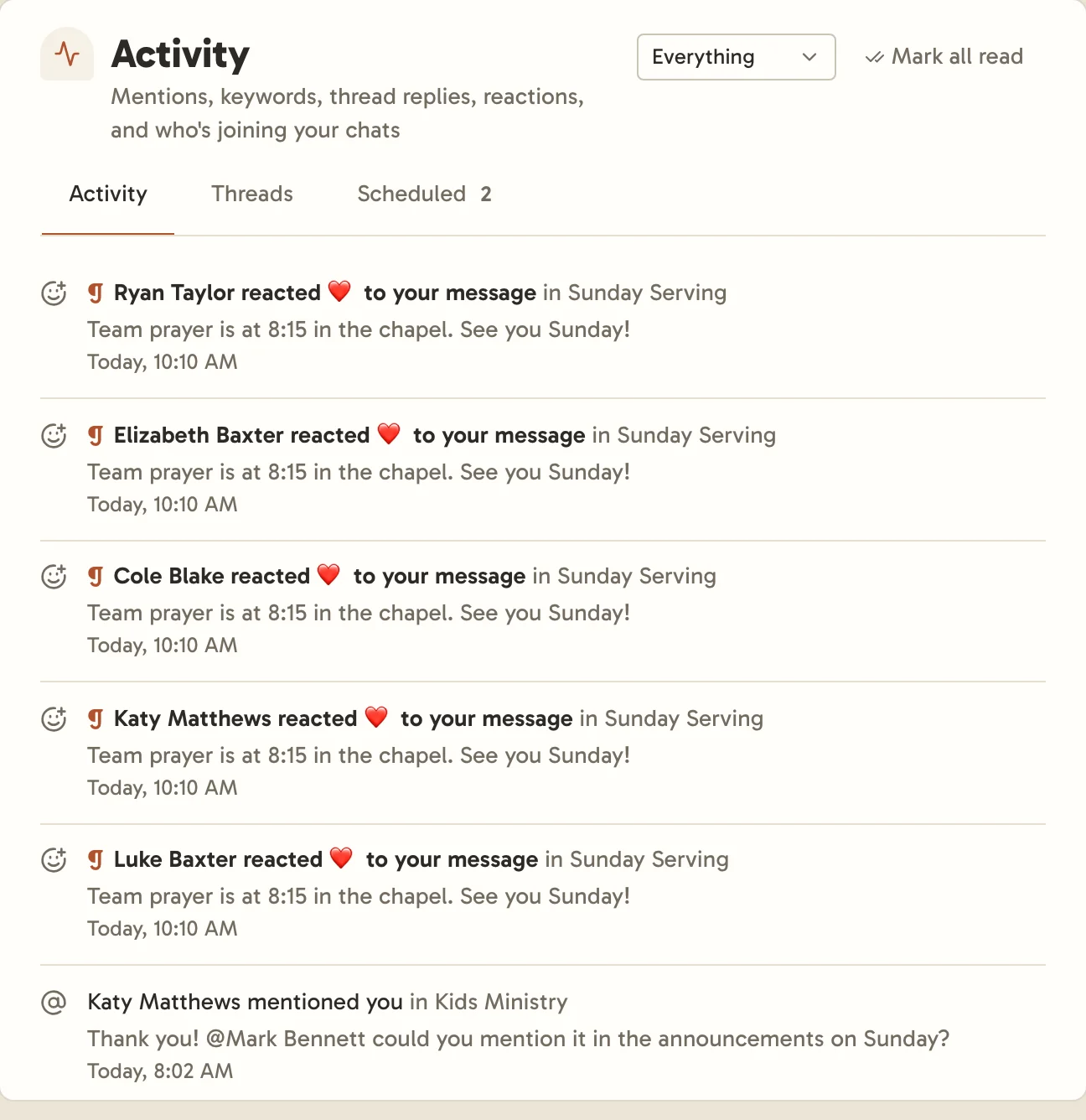
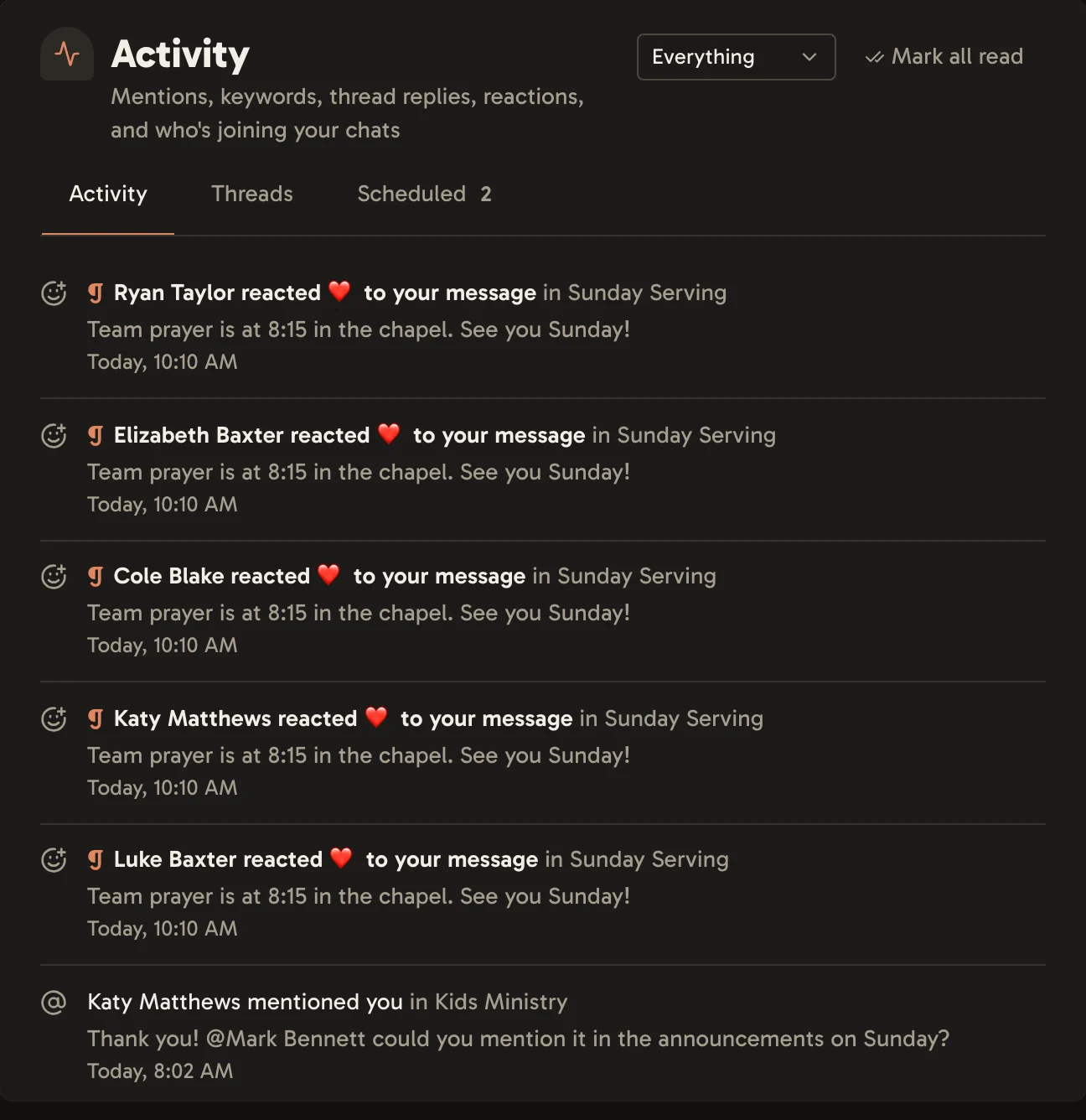
Use the menu at the top to show only one kind. Mentions, keywords and replies are marked read once you’ve seen the message, being added once you open the chat, and people waiting once nobody is. Mark all read clears the rest. The Threads tab lists every thread you follow, and Scheduled lists messages waiting to send later.
Search
Search looks through every chat you’re in and your direct messages, including what was said in voice messages. Narrow it to a chat, a person, or a range of dates.
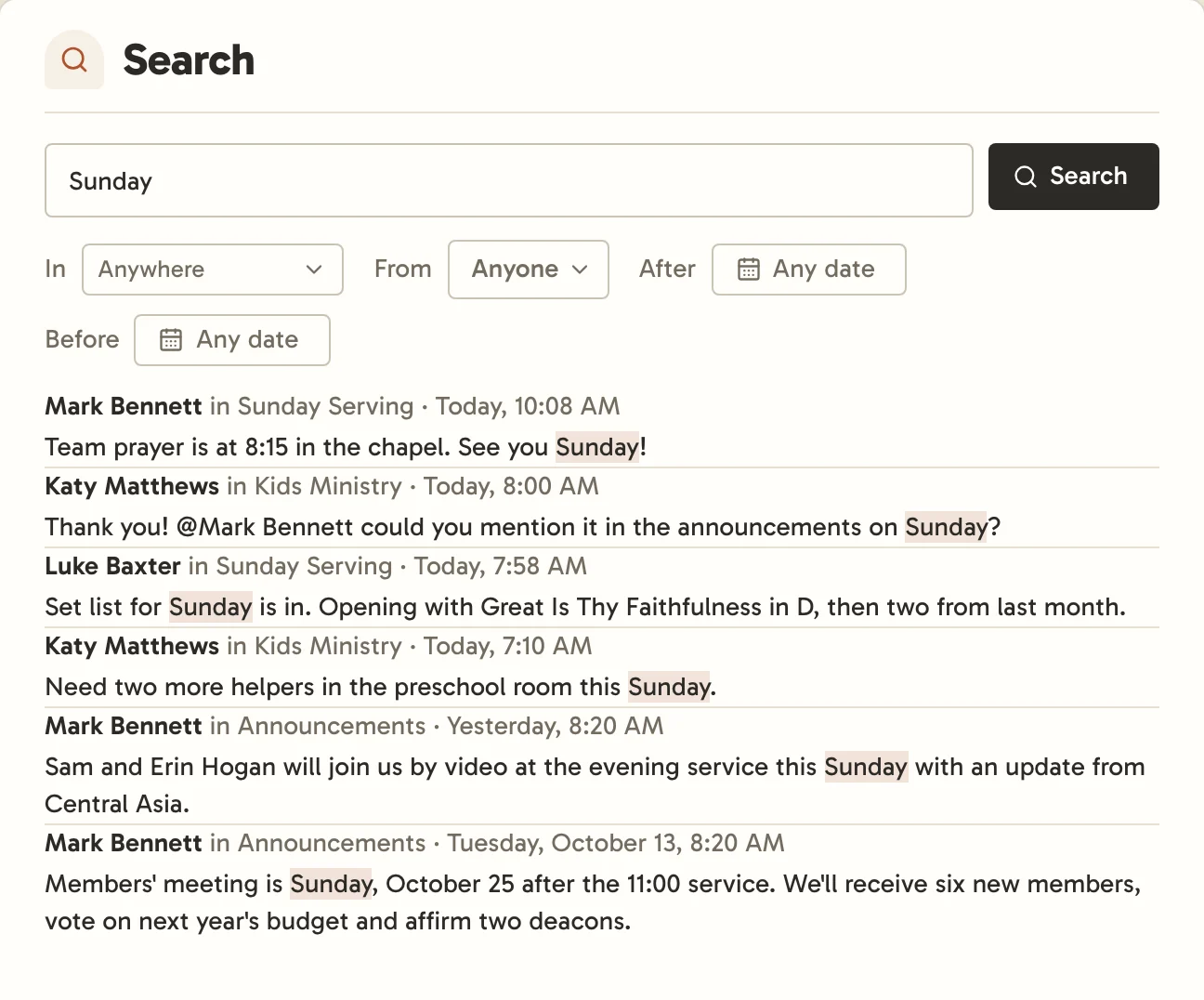
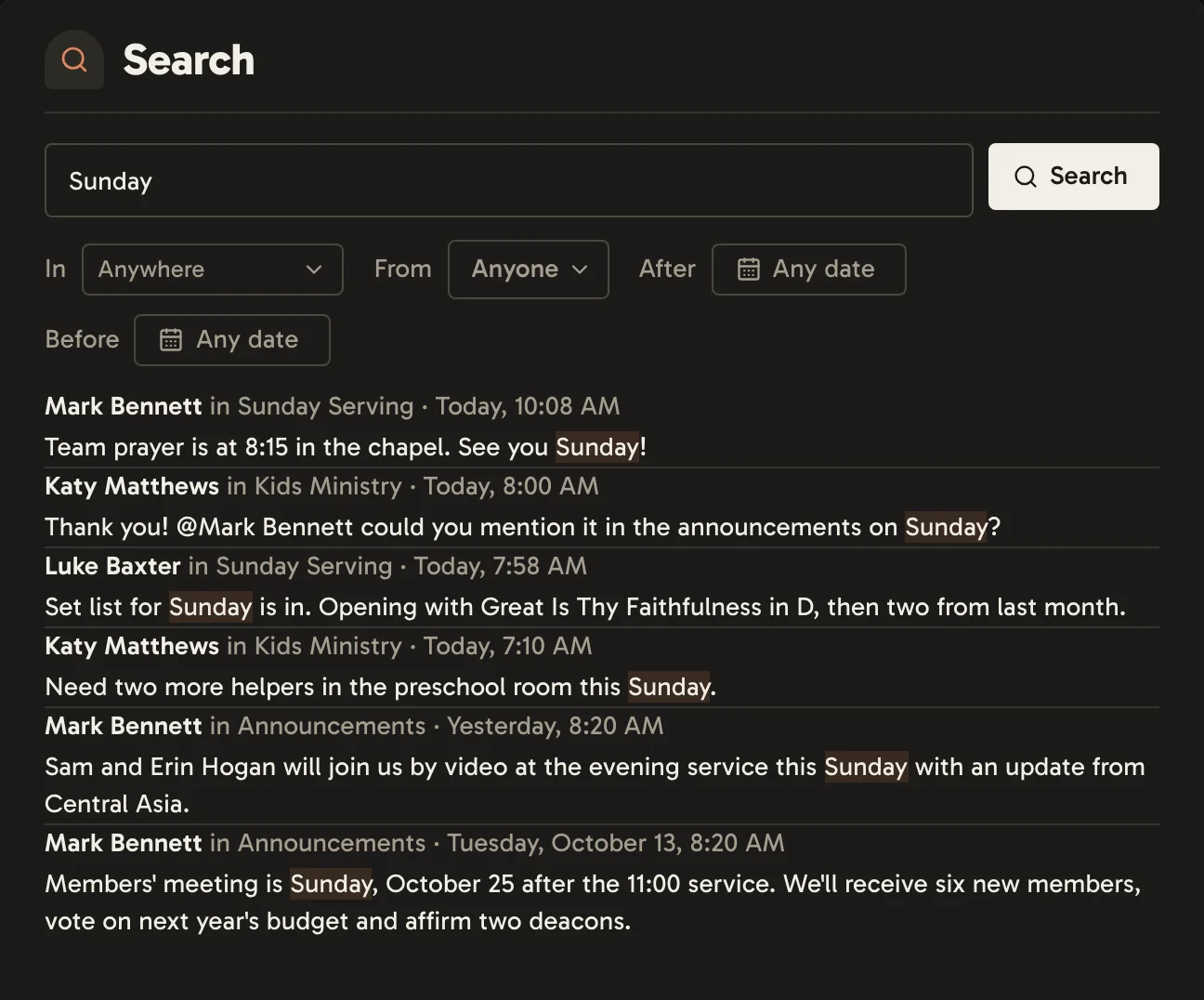
Search finds different forms of a word, so "serve" also finds "serving". Press ⌘F (Ctrl+F) in a chat to search just that chat.