 Church Chat
Your account
Your profile
Your name, photo, and how Church Chat looks.
Open Settings → Profile.
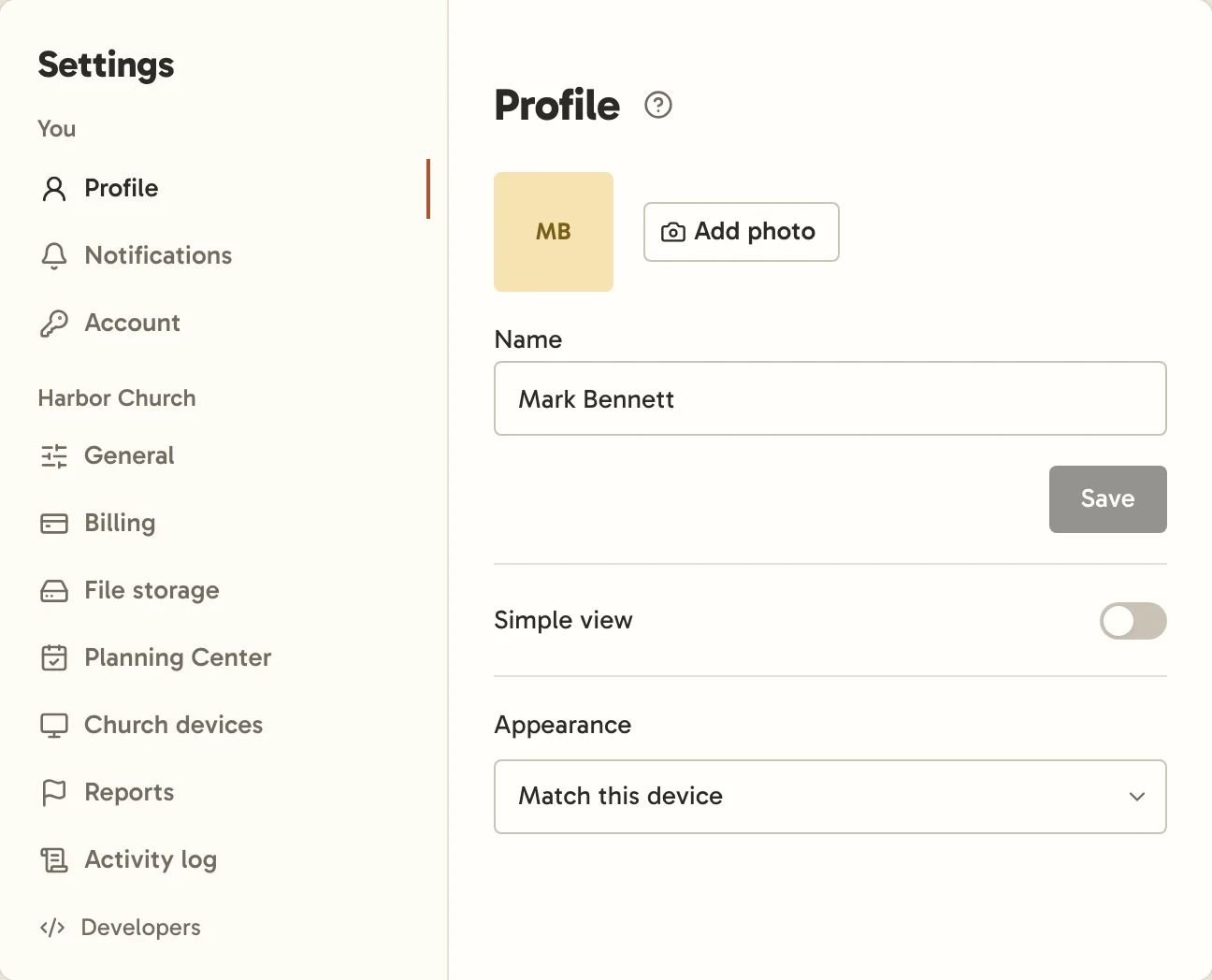
- Add photo takes a JPEG, PNG, WebP or GIF. Photos are for staff: yours shows only at churches where you’re staff, and only staff see anyone’s photo. Everyone else appears with their initials.
- Name is how you appear everywhere. If a name might not be right for a church, Church Chat shows "New member" instead until you choose another or a church admin allows it. Staff names aren’t checked.
- Simple view hides the extras, for people who only need to read and reply.
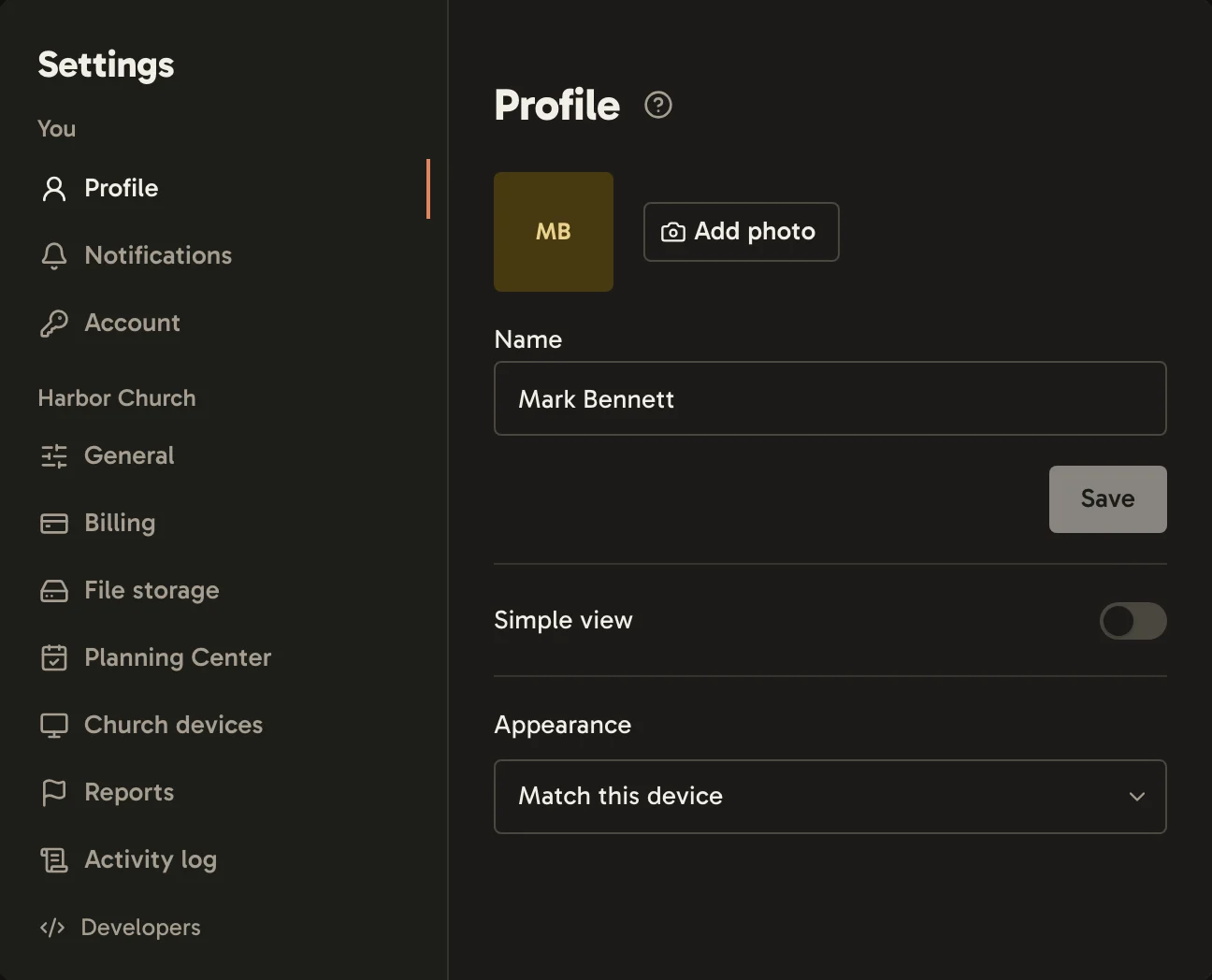
- On a computer, Appearance follows your device’s light or dark setting, or stays Light or Dark.
Your title, like "Worship leader", is set by your church’s admins, and can be different at each church you belong to.
Your time zone comes from your device. Your profile shows people your local time.